Shared
For the people in the memory. Choose intended recipients and preserve something you can return to together. This isn’t a public feed.
 Capsoul
Shared memory capsule
An inside joke. A song from the ride home. A voice you miss. Keep the little things in a shared memory capsule—and return to them when the time comes.
WHY CAPSOUL EXISTS
Our days are full of ordinary fragments that matter to someone: a small secret, a familiar place, something only the two of you would understand. In a fast-moving feed, those moments can lose their weight.
Capsoul makes room for them to settle. Preserve a moment for someone you trust, let time pass, and come back to what it meant—together.
FROM A MOMENT TO A MEMORY
Create a Shared Capsoul for the people connected to the memory. Personal mode is also available for memories you keep for yourself.
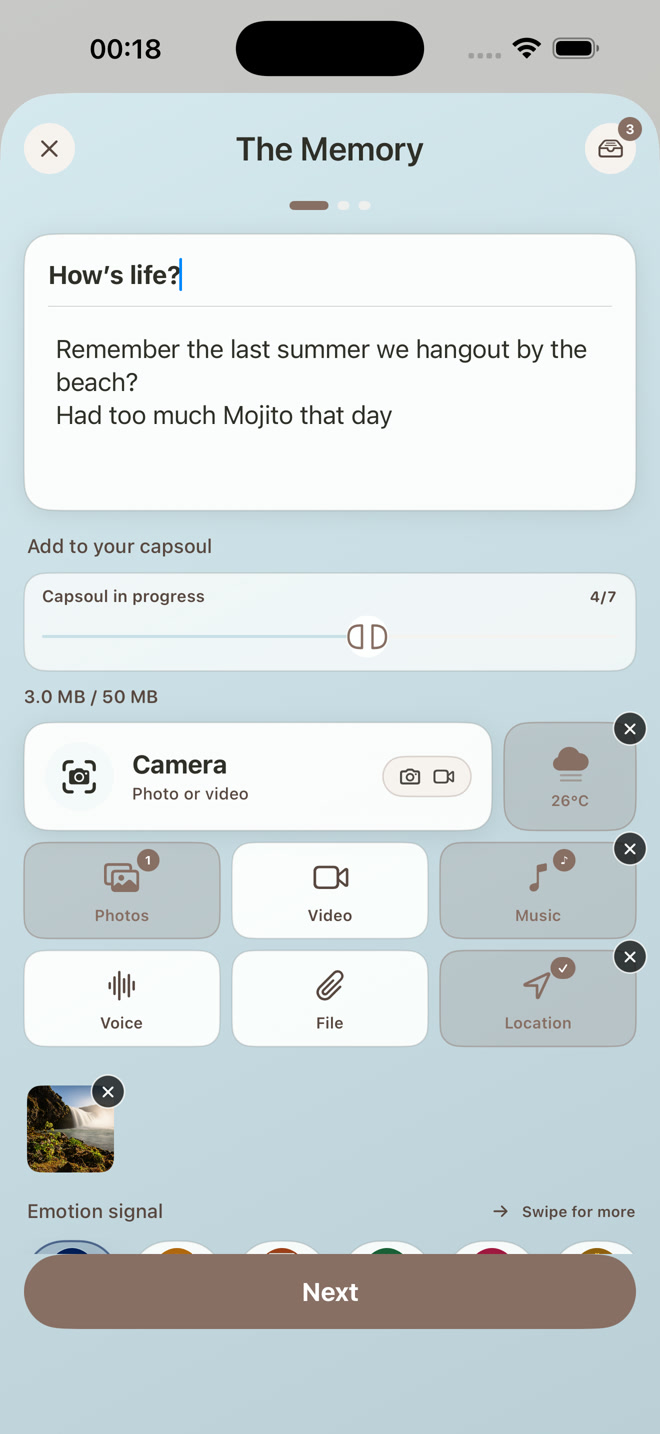
Combine words, photos, video, voice recordings, files, a song, a place, or the weather. Choose what tells the story.
Set an opening date, seal the Capsoul, and wait. When it opens, revisit the memory and respond to what it brings back.
INSIDE CAPSOUL
Words, media, and the feeling of the moment.
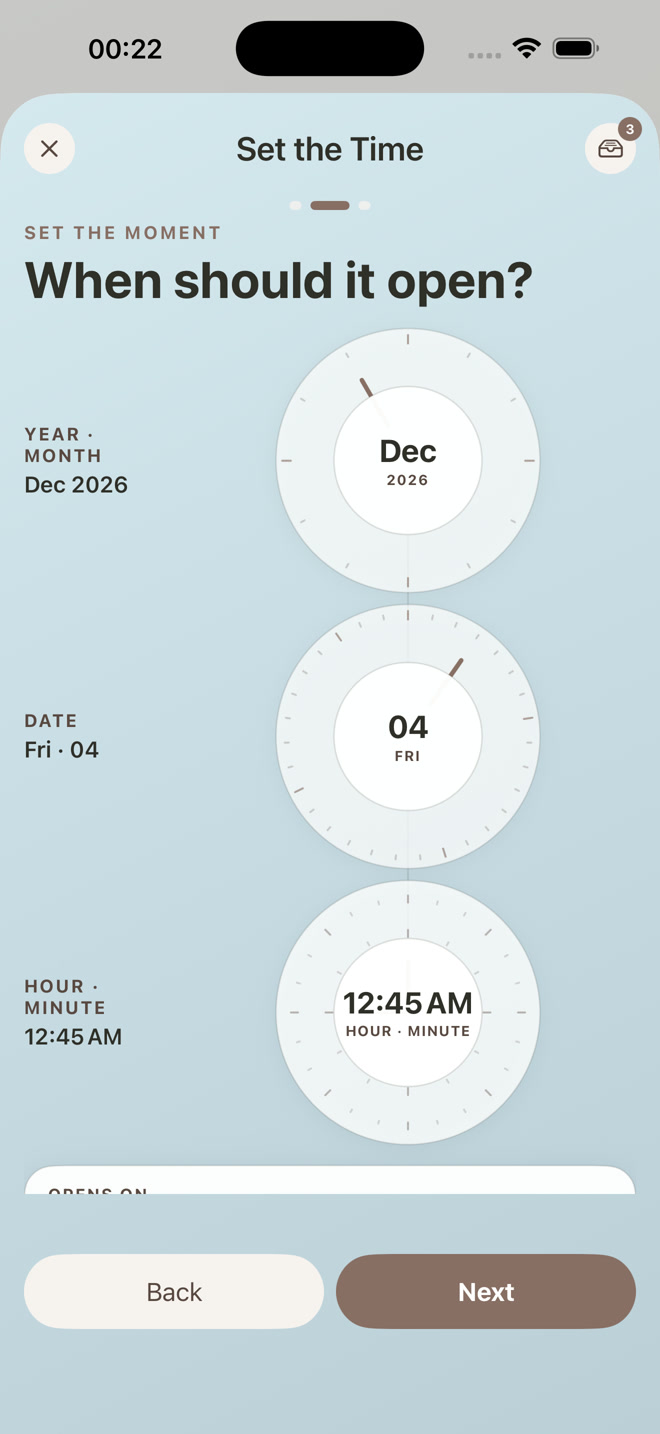
A date that gives the memory room to settle.
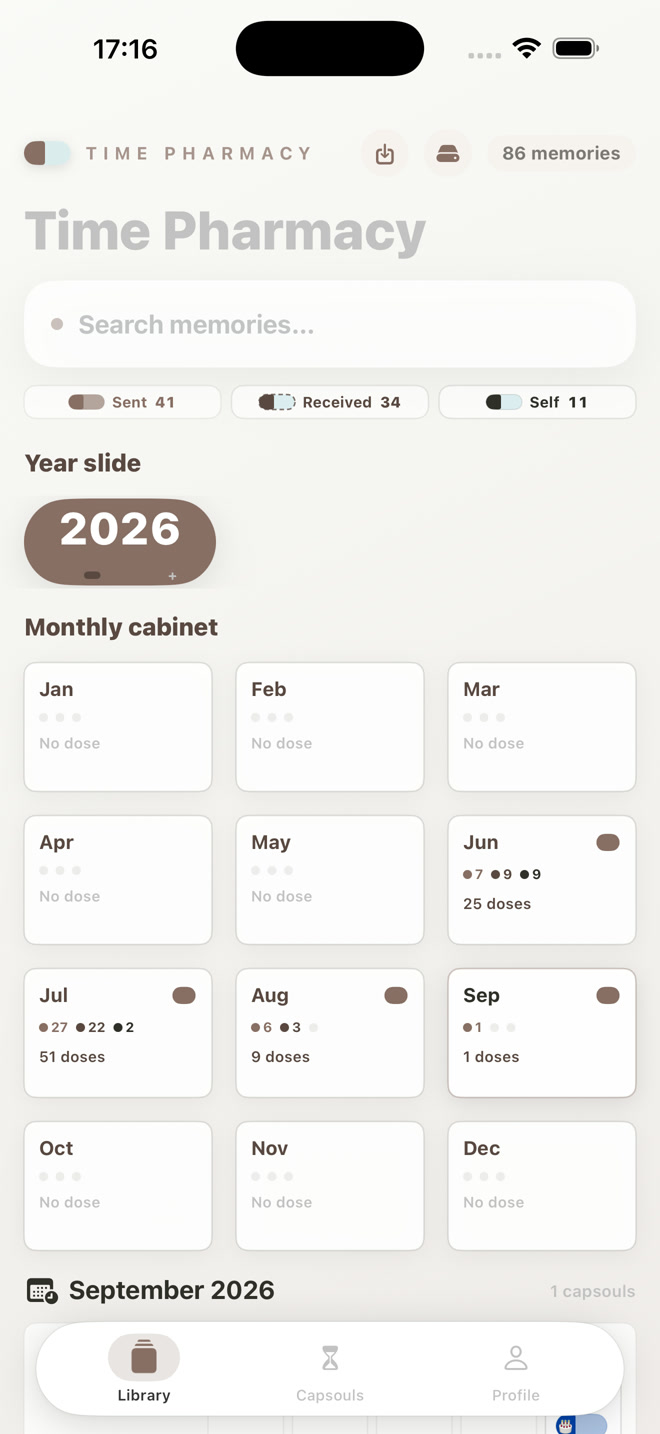
Return to your memories along a timeline.
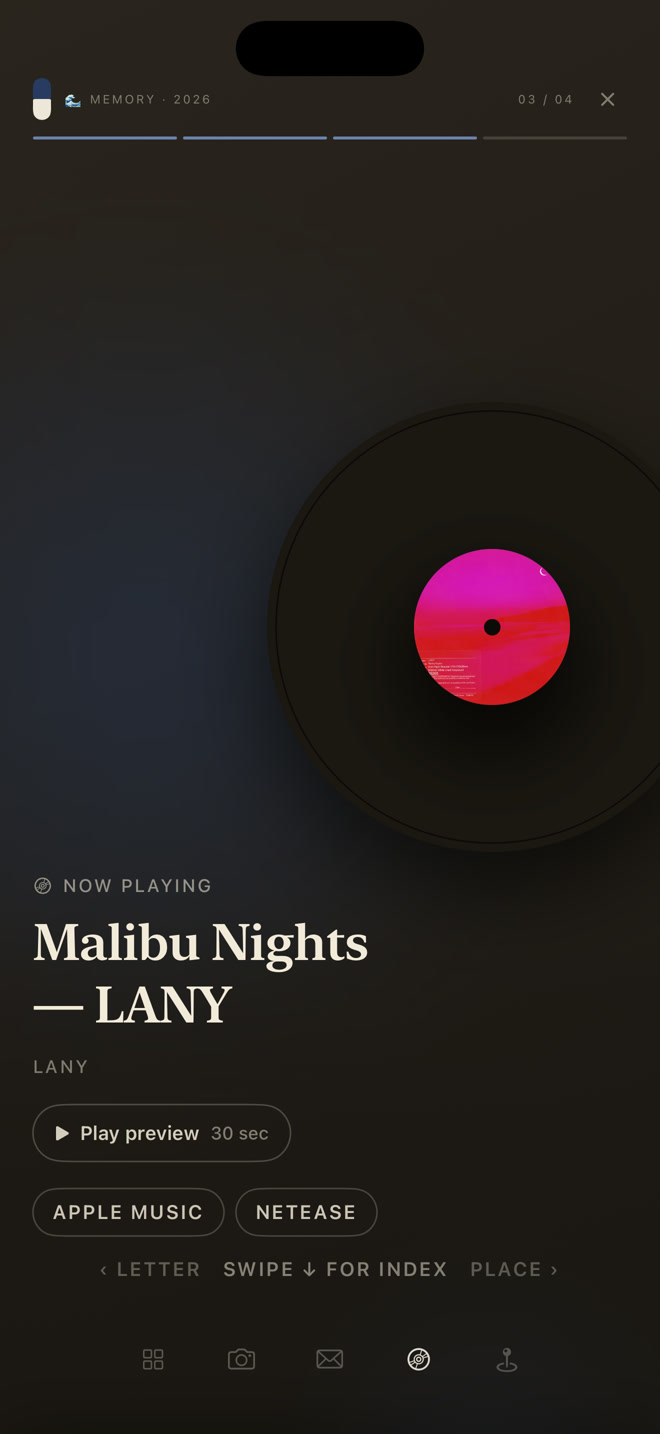
Keep a music reference as part of the memory.
THE SMALL DETAILS MATTER
For the people in the memory. Choose intended recipients and preserve something you can return to together. This isn’t a public feed.
For something you want to keep on your own. Personal capsule documents are encrypted and stored locally on your device; keep your own backups of exported documents.
Purchase & preservation →Friends who live far apart. Family you don’t see often. Someone who shares an inside joke with you. The memory doesn’t have to be a big event.
To receive a Shared Capsoul, use Capsoul and register or sign in with the same email address designated by the sender. A website invitation alone does not mean a memory is waiting.
Capsoul is currently available for iPhone. This website introduces the app and provides support and policy information; it is not a web memory library.
Shared capsule balances and Personal allowances follow the in-app purchase and membership rules. Check the app for current availability and pricing, and read the purchase & preservation policy before buying.
Start with a memory only you and someone else would understand.
Get Capsoul for iPhone